Microsoft Office is available as a one-time purchase for around $150, or through a Microsoft 365 subscription at $100 a year, which includes cloud storage, Defender, Editor, Teams, and Outlook.
For users who need offline access and can't rely on browser-based alternatives like Google Docs, one option is earning enough through Freecash to buy the program from a third-party seller at a discounted price.
Getting Microsoft Office for Free
Several routes exist for getting Microsoft Office without paying full price, depending on your situation.
Try the One-Month Trial
Microsoft offers a one-month free trial of Microsoft 365. This works if you need short-term access, but isn't practical for ongoing use.
Access Office 365 Education
Students and educators may be able to access Office 365 Education through a school or college email address. Microsoft donates this to eligible institutions, so check with your IT department if you don't already have access.
The Education version is functionally identical to the paid version. Your institution does retain access to your data when using it.
A free version of Office is available directly through Office.com without downloading anything. It covers basic functionality, though it lacks some features of the full desktop version.
Earn the Cost Through Freecash
Freecash connects users with paid tasks like surveys, product testing, and game offers. Sign up, pick tasks, and get paid.
New users receive a $10 welcome bonus on sign-up, which goes toward the cost of Office from a third-party seller.
You can choose from 20 withdrawal options whenever you cash out, including direct bank transfer and PayPal.
Freecash is rated 4.6 on Trustpilot from over 327288 reviews.
Buying Microsoft Office for Less
If you're set on buying a copy of Microsoft Office, you don't have to pay full price.
Microsoft Workplace Discount Program
The Microsoft Workplace Discount Program offers a 30% discount on Microsoft 365 subscriptions.
It's available to veterans, government workers, and employees at companies that have spent over $250,000 on Microsoft products in the past 12 months, or have activated at least 2,000 Microsoft licenses.
Third-Party Sellers
Third-party sellers regularly list copies of Office 365 for under $30.
Search "buy Office 365" and you'll find a range of options. Most send a redemption code directly to Microsoft after purchase — it's legal, safe, and a straightforward way to save.
One option is to earn on Freecash until you reach $30, then put it toward a third-party license.
Free Alternatives to Microsoft Office
Several free alternatives to Microsoft Office offer the same core functionality. Each lets you create and edit documents fully compatible with Office formats.
Google Docs, Sheets, and Slides
Google's suite matches Microsoft Office on most tasks and runs entirely in the browser. A free Google account includes access to Google Docs, Sheets, and Slides, plus 15 GB of cloud storage.
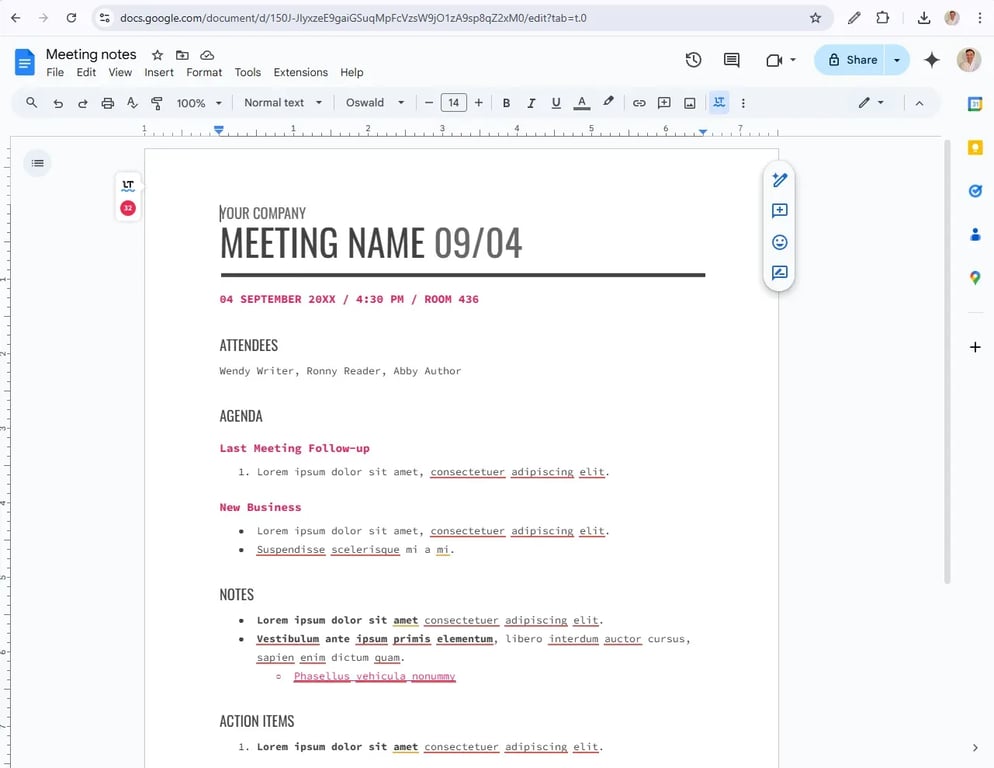 Google Docs meeting notes template open in a browser · March, 2025
It's a strong choice for anyone who works online, including heavy users. The main limitation is offline access — without an internet connection, it's not a practical option.
LibreOffice
LibreOffice is a free, open-source Office alternative maintained by a non-profit. You can download LibreOffice for Windows, Mac, or Linux and get near-identical functionality to Microsoft Office.
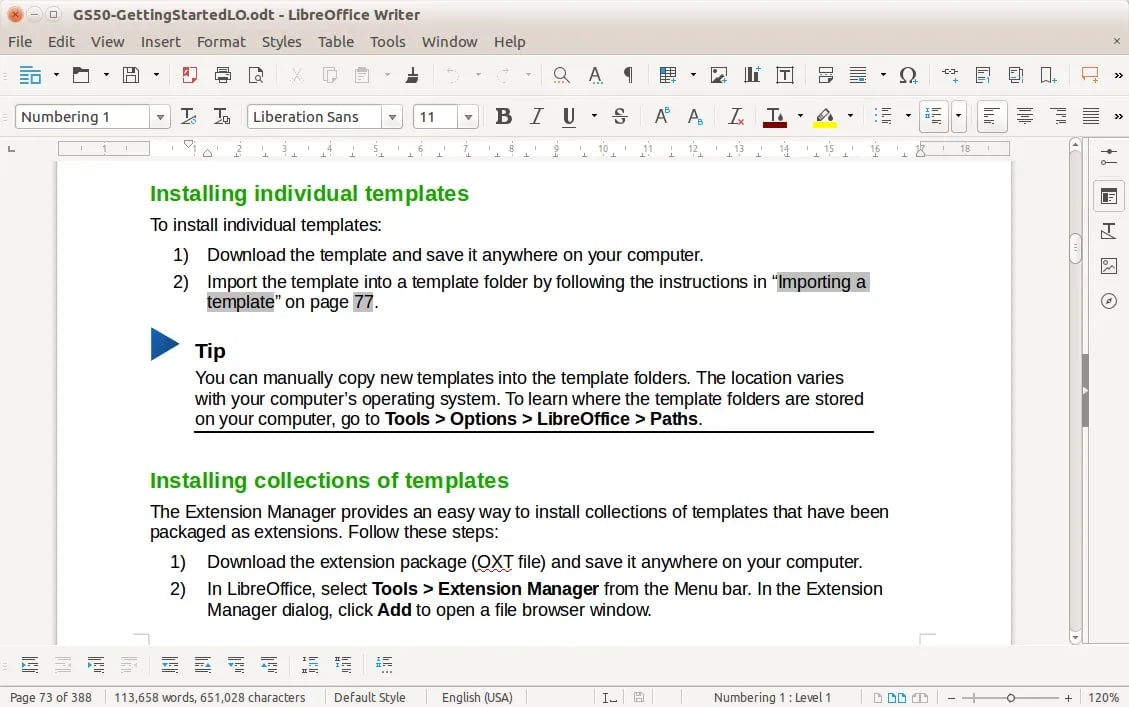 LibreOffice Writer document editor interface · March, 2025
The interface looks dated compared to Office or Google's suite, and updates arrive less frequently. For most everyday tasks, it gets the job done.
MacOS Pages, Numbers, and Keynote
Mac users get Apple's Office equivalents at no cost. Pages, Numbers, and Keynote come pre-installed on macOS and are available to redownload from the App Store.
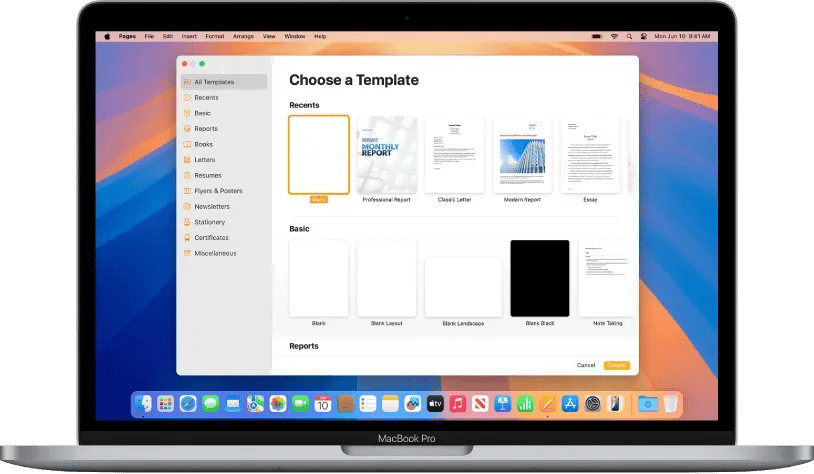 MacOS Pages document editor on a Mac desktop · March, 2025
All three feel polished and intuitive, and they're underused compared to the alternatives.


'%3e%3cpath%20fill='%23eee'%20d='m0%200%208%2022-8%2023v23l32%2054-32%2054v32l32%2048-32%2048v32l32%2054-32%2054v68l22-8%2023%208h23l54-32%2054%2032h32l48-32%2048%2032h32l54-32%2054%2032h68l-8-22%208-23v-23l-32-54%2032-54v-32l-32-48%2032-48v-32l-32-54%2032-54V0l-22%208-23-8h-23l-54%2032-54-32h-32l-48%2032-48-32h-32l-54%2032L68%200H0z'/%3e%3cpath%20fill='%230052b4'%20d='M336%200v108L444%200Zm176%2068L404%20176h108zM0%20176h108L0%2068ZM68%200l108%20108V0Zm108%20512V404L68%20512ZM0%20444l108-108H0Zm512-108H404l108%20108Zm-68%20176L336%20404v108z'/%3e%3cpath%20fill='%23d80027'%20d='M0%200v45l131%20131h45L0%200zm208%200v208H0v96h208v208h96V304h208v-96H304V0h-96zm259%200L336%20131v45L512%200h-45zM176%20336%200%20512h45l131-131v-45zm160%200%20176%20176v-45L381%20336h-45z'/%3e%3c/g%3e%3c/svg%3e)